Presentation and lyrics software that a volunteer can run on Sunday
ProPresenter, EasyWorship, OpenLP and FreeShow compared with July 2026 prices, the CCLI licenses you are legally required to hold, and the failure modes that show up mid-verse.
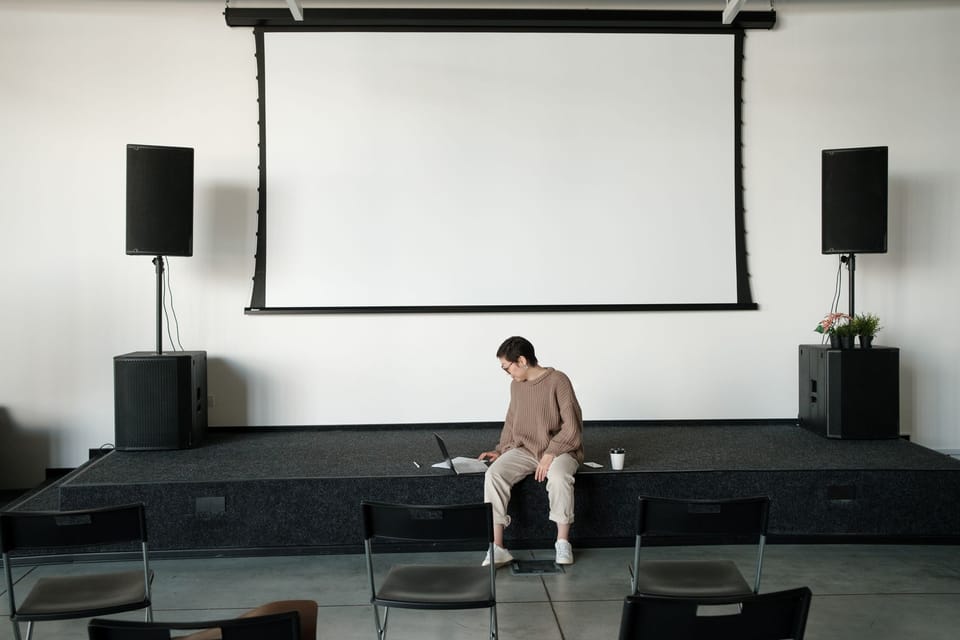
The song lyrics went up one line behind for the entire second verse. Half the congregation stopped singing, the worship leader turned around, and the ninth grader running the laptop went red. Nobody had trained him, and the software had been chosen by a staff member who had never operated it during a service.
Presentation software is one of the few church purchases where the operator’s experience matters more than the feature list, because the operator is a volunteer, the failure is public, and the failure happens in the middle of worship.
Decide what is on the screen before you shop
Write down what the screen has to display, in order of frequency:
- Song lyrics, every week
- Scripture text, most weeks
- Sermon points or slides, depending on the preacher
- Announcements before and after the service
- Occasional video, usually a missionary update or a baptism
- A countdown or a static image before the service starts
Then write down what the screen must never do: cover the words with a busy photograph, autoplay audio during prayer, or display a Bible translation you do not preach from.
Most churches need lyrics, Scripture, and a handful of slides. Everything past that is where the money goes.
The four real options, with prices checked 28 July 2026
ProPresenter costs $29 per month per seat, or $289 per year. A campus license covering 20 seats runs $59 per month or $649 per year and is offered to worship customers. There is a 14-day trial. No perpetual license is listed on the current pricing page, which is a change from how many churches remember buying it. ProPresenter is the standard in churches with a media team, and its strengths are stage displays, multi-screen output, and video handling. Its weakness for a small church is exactly that power: a volunteer facing a full ProPresenter interface for the first time will find four ways to break the service.
EasyWorship lists Basic at $17.50 per month or $210 per year, and Premium at $27.50 per month or $330 per year, with pricing scaled to average weekly attendance and a campus license covering multiple computers at one location. The Premium tier bundles a large library of backgrounds and countdowns. There is a 30-day trial. EasyWorship is Windows and Mac, it does the core job well, and its interface asks less of a volunteer than ProPresenter does.
OpenLP is free and open source, runs on Windows, Mac, and Linux, and handles songs, Bible text, and basic media. For a congregation whose screen shows lyrics and Scripture and nothing more, this is a serious option and the money saved buys a better projector, which will improve Sunday more than the software would. The tradeoff is that video handling and stage displays are limited, and support is a community forum rather than a phone number.
FreeShow is free and open source, newer, and built with a friendlier interface than OpenLP. Worth a genuine test if your team is comfortable being early on a tool. Understand that free and open source means the fix for your problem arrives when a volunteer developer gets to it.
The ranking for a church under 200 with no media staff: try OpenLP or FreeShow first for a month of Sundays. If the volunteers are fighting it, buy EasyWorship. Buy ProPresenter when you have a person whose actual role is running media, not when you want to look like the church that has one.
The licenses are not optional
Displaying song lyrics on a screen is reproduction, and reproduction of copyrighted songs requires permission. Two separate things:
A CCLI Copyright License covers printing and projecting lyrics for most contemporary worship songs in your congregation. It is priced by average weekly attendance, in bands, through CCLI’s store. Get the current figure from CCLI directly rather than from any article, because the bands and rates are revised.
A CCLI Streaming License is separate and covers webcasting the songs in your service. If you livestream or post the service video, holding only the copyright license is not enough. Churches discover this when a platform mutes their video.
SongSelect is a subscription for the lyrics and chord charts themselves, and it is separate again from both licenses. Presentation software that imports from SongSelect saves your volunteer real typing time and prevents the misheard-lyric problem, where a song sits in your library for four years with the wrong word in verse two.
Public domain hymns are free to project. If your congregation sings from a hymnal published within the last century, the tunes may be public domain while the specific arrangement or translation is not. Check the copyright line on the page.
The hardware that ruins good software
Nearly every complaint about presentation software is actually a complaint about a screen nobody can read.
Brightness. A projector fighting daylight through clear windows loses. Measure the room during the service you actually hold, not during a Tuesday afternoon test with the blinds shut.
Contrast and type. Light text on a dark plain background, sans serif, sized so a person in the back row reads it without leaning. Photographs behind lyrics reduce legibility on every projector ever made. If you use images, blur and darken them substantially.
The cable run. Long HDMI runs fail intermittently, which is worse than failing completely, because it produces a black screen twice a service and nobody can reproduce it on Tuesday. Runs beyond about 25 feet want an active extender rather than a longer cable.
A confidence monitor for the worship leader. The single highest-return purchase in this whole category. A leader who can see the next line stops turning around, and the volunteer stops guessing.
A second machine with the same software installed and the same song library synced. Laptops die on Sunday morning.
Order of operations for a switch
- Export the song library from the old system and confirm the file opens somewhere else before you cancel anything.
- Install the new software on the actual Sunday computer, not the office desktop. Graphics behavior differs by machine.
- Build three services in it while the old system is still running. Do not switch on a week with a baptism, a guest preacher, or communion.
- Train two volunteers, together, in the room, on the real hardware. One page of instructions taped inside the media cabinet: how to start, how to advance, what to do when the screen goes black, who to text.
- Run one full service on the new system with the old system open on a second machine. The safety net gets used once and then never again, and that once is worth the setup.
- Set a template and lock it. Font, size, color, background, alignment. A volunteer choosing a font at 9:40am is how you end up with lyrics in script.
What to say no to
Say no to lower-third graphics, animated transitions between lyric slides, and rotating background video during congregational singing. Every one of them competes with the words people are trying to sing.
Say no to a subscription tier bought for a feature you will use twice a year. Rent the feature the two times you need it or do without.
Say no to putting the sermon outline on the screen unless the preacher genuinely writes to it. A three-point outline displayed while the preacher is somewhere else in the text tells the congregation the screen is decoration.
Compare current tools in the worship planning directory, and set the shape of the service itself with the order of worship.